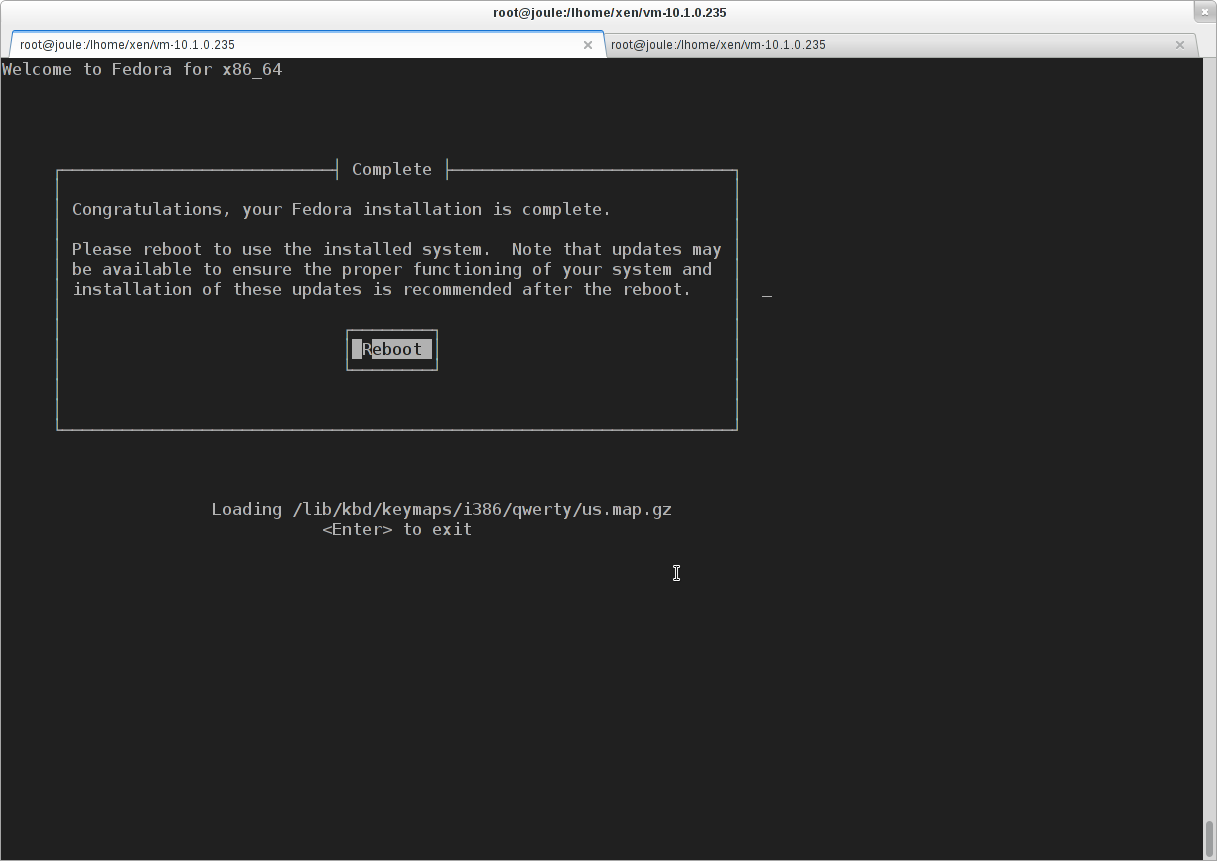
An introduction to the general method of installing Domain-U on Xen is introduced here: Setting Up Stable Xen DomU with Fedora: Unmodified Fedora 12 on top of Xenified Fedora 12 Dom0 with Xen (this is a general introduction, some details are changed, such as ‘xl’ replacing ‘xm’, LVM backing the disk for higher performance. But the general process is the same). When installing Fedora 17 Domain-U, I find some new problems which is not covered. This post lists the differences.
The PXE booting images for Fedora 17 can be downloaded from the site:
http://archive.fedoraproject.org/pub/archive/fedora/linux/releases/17/Fedora/x86_64/os/images/pxeboot/The configuration file for Domain-U to install Fedora 17 is as follows.
name="10.1.0.235"
vcpus=4
memory=2048
disk=['phy:/dev/vg_xen/vm-10.1.0.235,xvda,w' ]
vif=['bridge=eth0']
on_reboot="restart"
on_crash="restart"
kernel="/lhome/xen/f17/vmlinuz"
ramdisk="/lhome/xen/f17/initrd.img"
extra="root=live:http://archive.fedoraproject.org/pub/archive/fedora/linux/releases/17/Fedora/x86_64/os/LiveOS/squashfs.img ip=10.1.0.235::10.1.0.2:255.255.0.0:vm235:eth0:none nameserver=8.8.8.8"
Note the parts in bold fonts. This is related a bug as discussed here: https://bugzilla.redhat.com/show_bug.cgi?id=802042 .
The ‘extra’ options depends on the environment. For more details about the Anaconda boot options, please find it here: http://wwoods.fedorapeople.org/doc/boot-options.html .
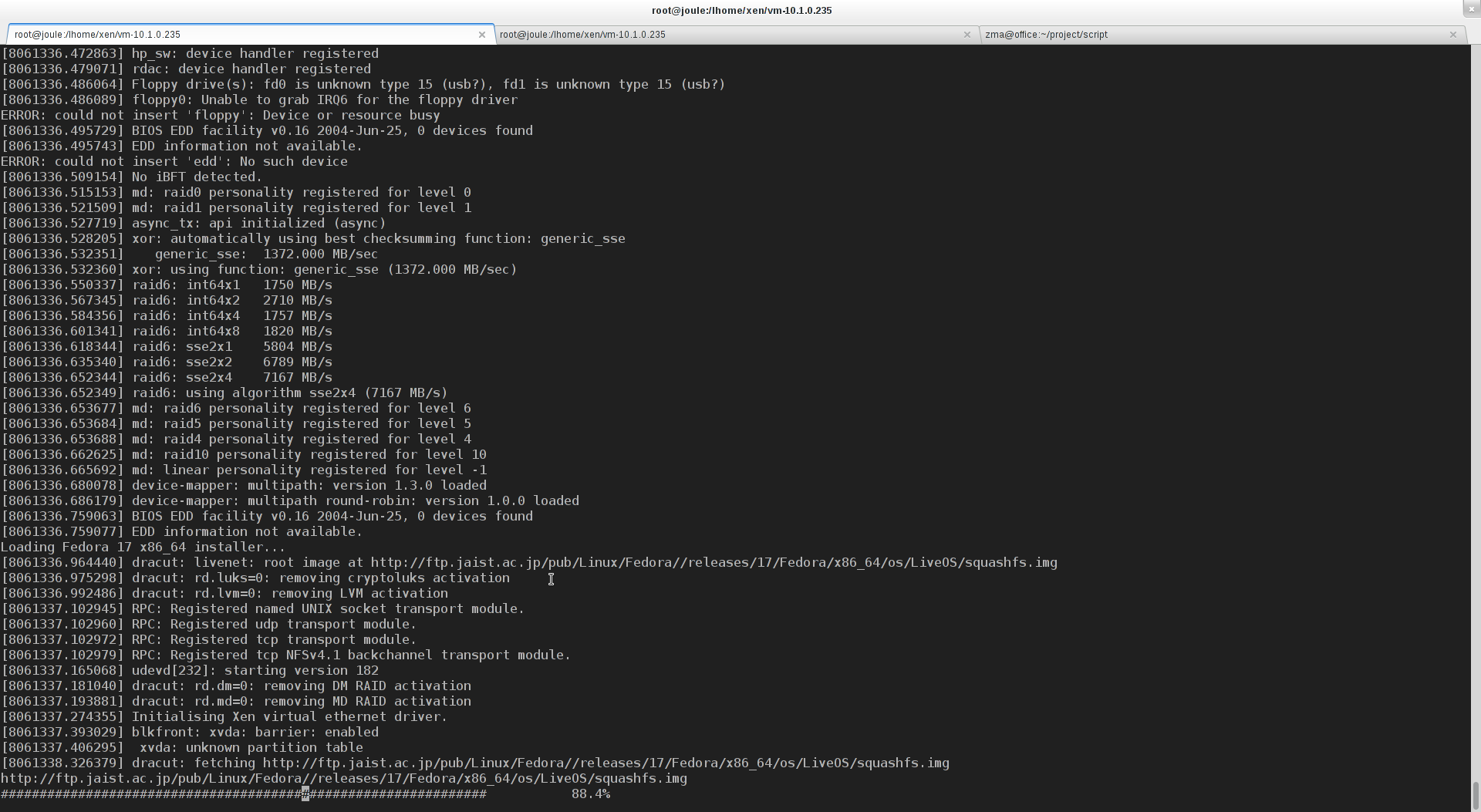
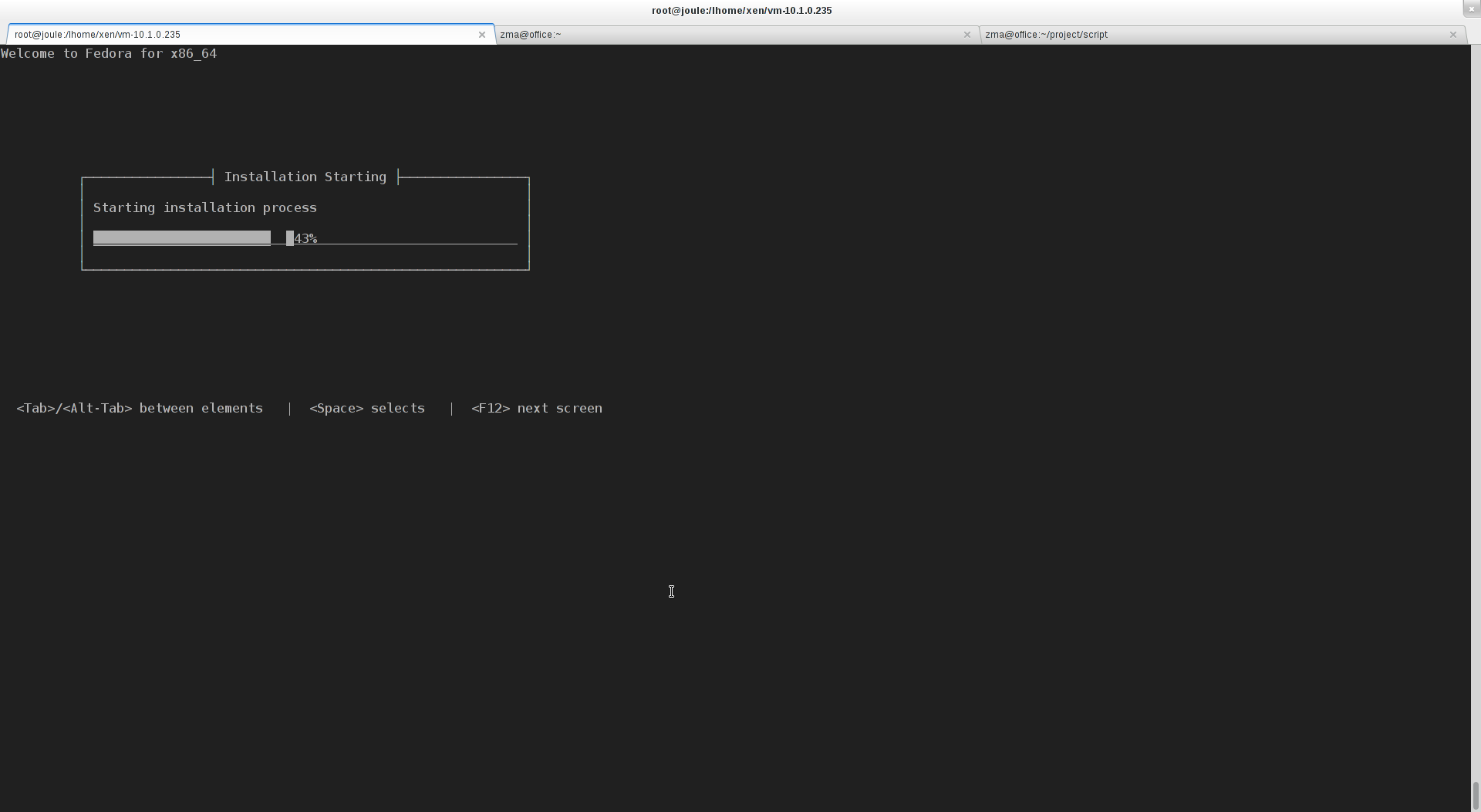
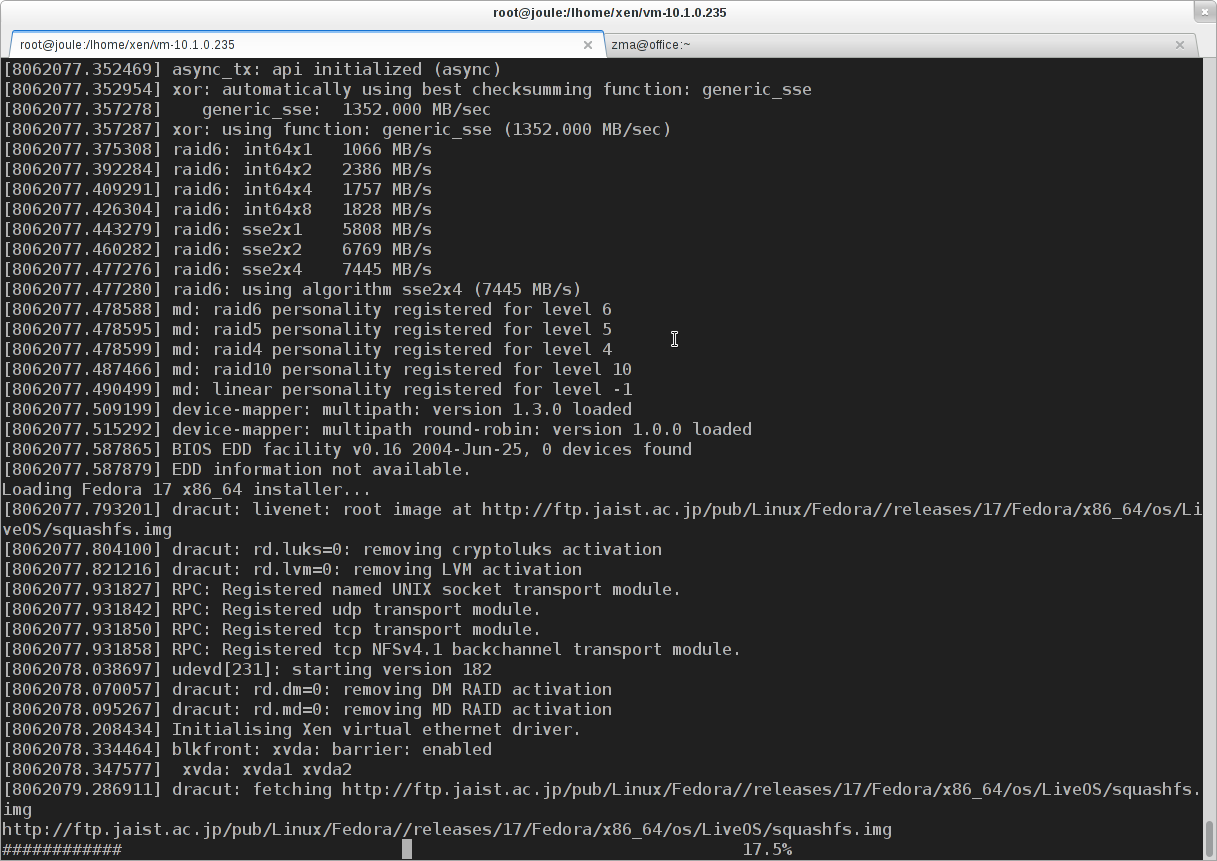
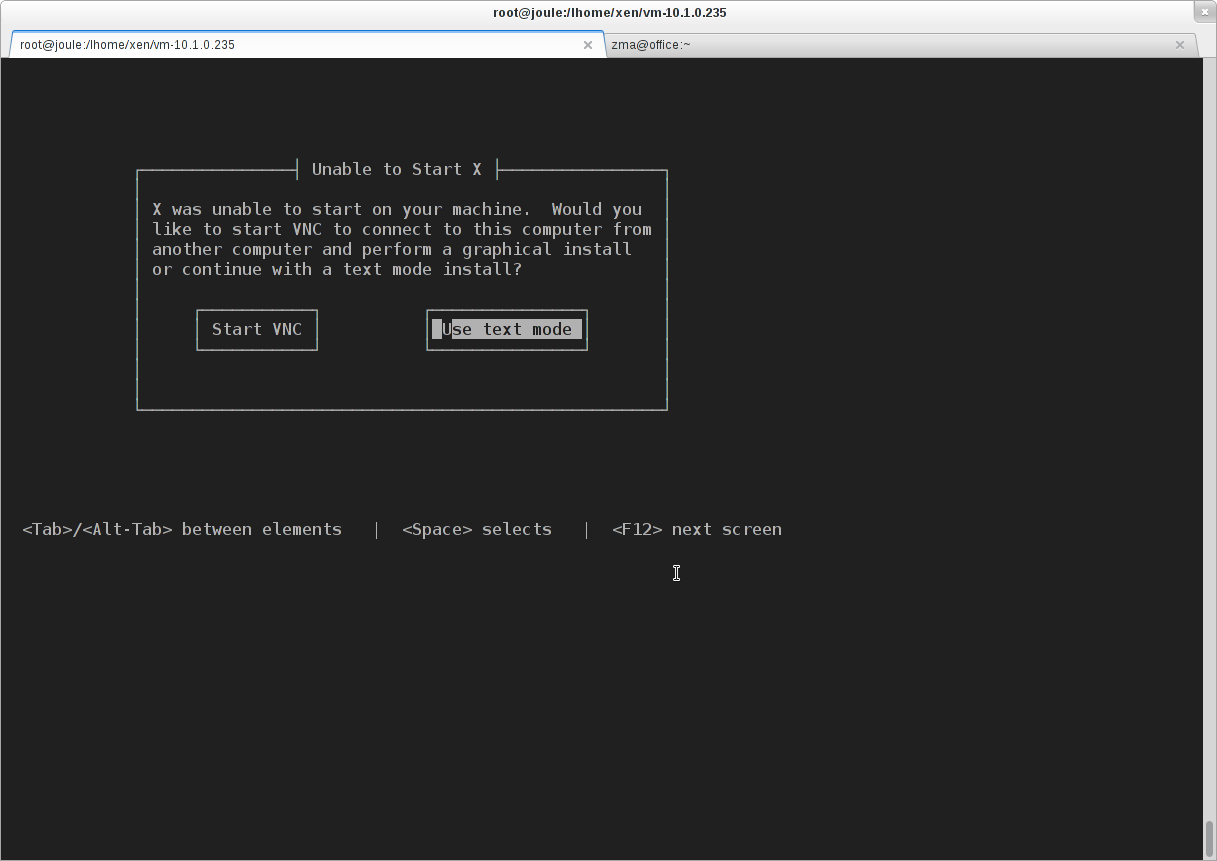
Check more about Xen on Linux in Xen solution.

Alternative src for the pxeboot images:
For the squashfs.img:
What is the final configuration for the regular boot?
J
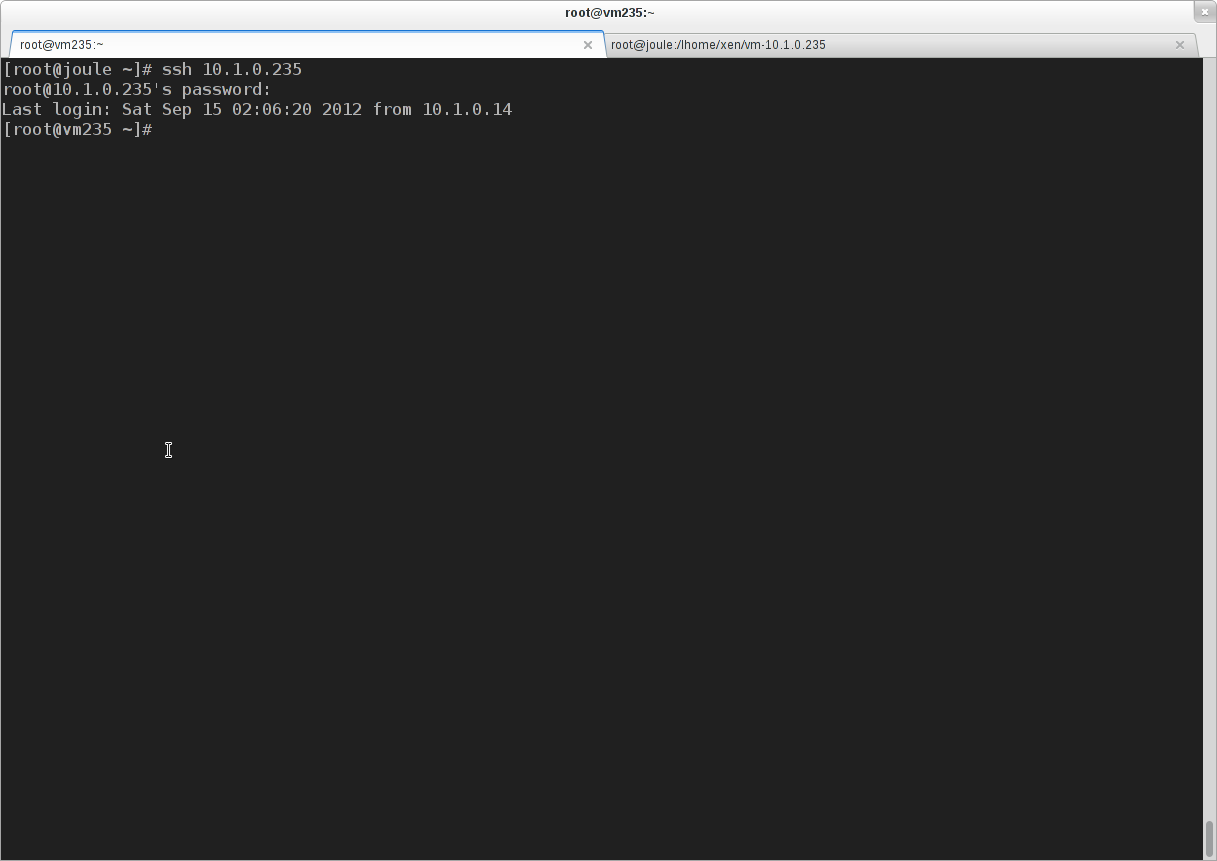
You can get the configuration for a working VM by deleting the ‘kernel’, ‘ramdisk’ and ‘extra’ from the configuration in the post.
This trick also works with Fedora 19 x86-64 during the installation process.
If F19 is installed on an older version of Xen which does not support Grub2 (the pygrub) yet, after installing F19, you need to copy the kernel and vmlinuz out to the Domain-0’s file system and adding the proper `extra` as in the grub.cfg in the DomU: http://www.fclose.com/3208/setting-up-ubuntu-domu-on-xen-use-ubuntu-10-10-on-fedora-xen-dom0/
Is the ‘extra line ‘ necessary?
Some of you config file don’t have this line.
Of course that’s necessary. I even highlighted it.